
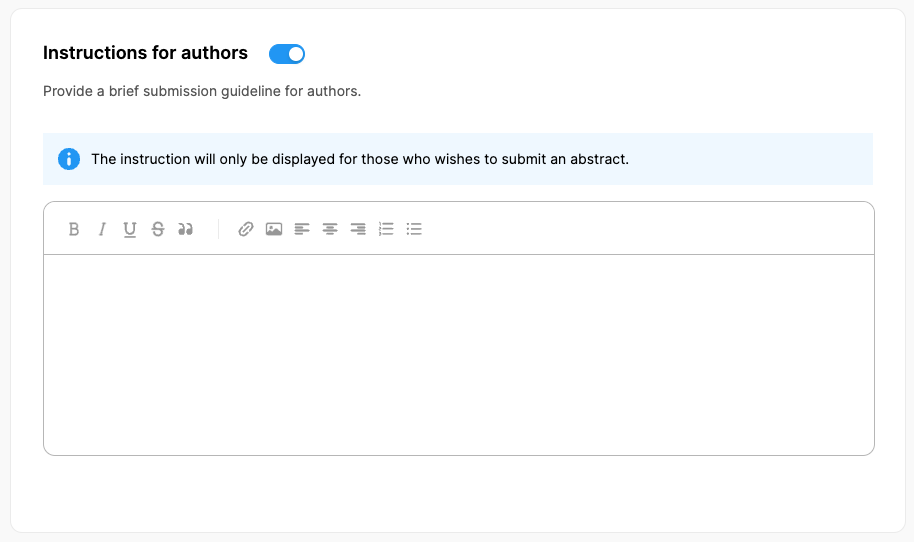
Instructions for authors
You may add an abstract submitting guideline at top of your submission form by applying the steps below;
Switch on the ‘Instructions for authors’ option
Add your instructions/guidelines in the text field,
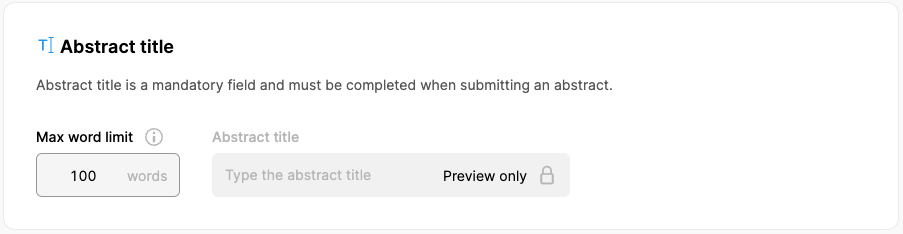
Abstract title
The abstract title is a mandatory field and must be added when submitting an abstract but you can define a word limit for abstract titles.
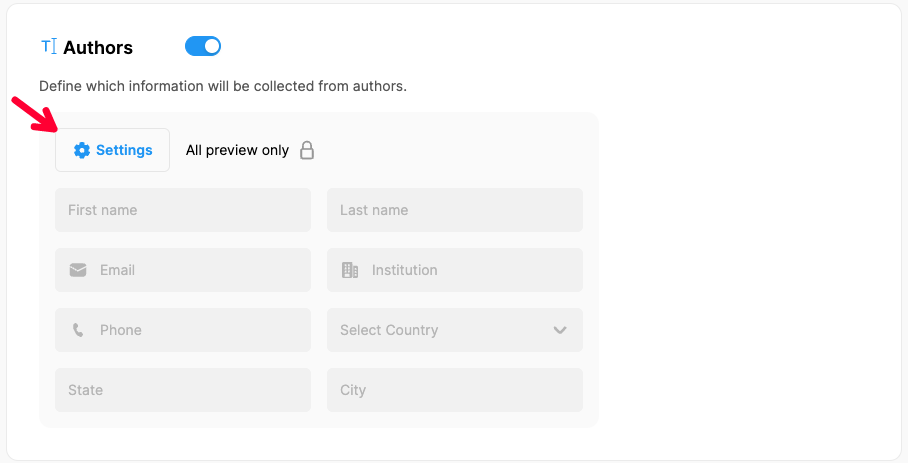
Authors
Define which author information will be collected from the authors while they are submitting an abstract by applying the steps below;
Switch on the ‘Authors’ option,
Click the ‘Settings’ button,
Mark the info fields you wish authors to fill in,
If you need to collect the academic titles of the authors, turn on the "Ask author title" option and add each title one by one by clicking the "Add" button,
Click the ‘Save’ button.
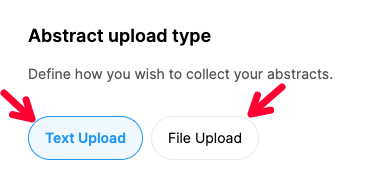
Abstract upload types
Abstracts can be collected as ‘text’ or ‘file’ uploads in MeetingHand.
Mark your preference by clicking the relevant upload type and complete the settings as follows;
Text Upload
The system adds a text editor tool by default for abstract body text entries. You can use a single editor for a whole abstract body or add multiple fields by clicking the ‘Add Abstract Text Field’ button and dividing the abstract body into sub-fields such as introduction, methods, findings, etc. The titles of editor fields can be edited and customized.
By clicking the ‘Editor Settings’ button in each text editor field, you can do the followings;
General Settings
- Change the title of the field,
- Give information about the field (optional),
- Display a tip (optional),
- Make it a required field or
- Click ‘Remove’ to delete the text field.
Advance Settings
- Set min-max word limits (optional) and
- Allow image uploads (optional) into the text area
Keywords
Switch on ‘Keywords’ to allow authors to add keywords,
Define the max number of allowed keywords.
References
Switch on ‘References’ to allow authors to add references,
Define the max number of allowed reference entries.
File Upload
Click the ‘File Upload’ button,
Change or edit the ‘Add Abstract File’ title (optional),
Click the ‘Edit’ button and do the settings as described below according to your requirements;
General Settings
- Change the title of the file upload field (optional),
- Give information about the field (optional),
- Display a tip (optional),
- Make it a required field,
- Remove to delete the file upload field.
Advance Settings
- Mark the file types you allow.
Comments
0 comments
Please sign in to leave a comment.