
If you want, you can add some topics/tracks into your Submission Forms and collect and classify the submitted abstracts according to the topics/tracks you created.
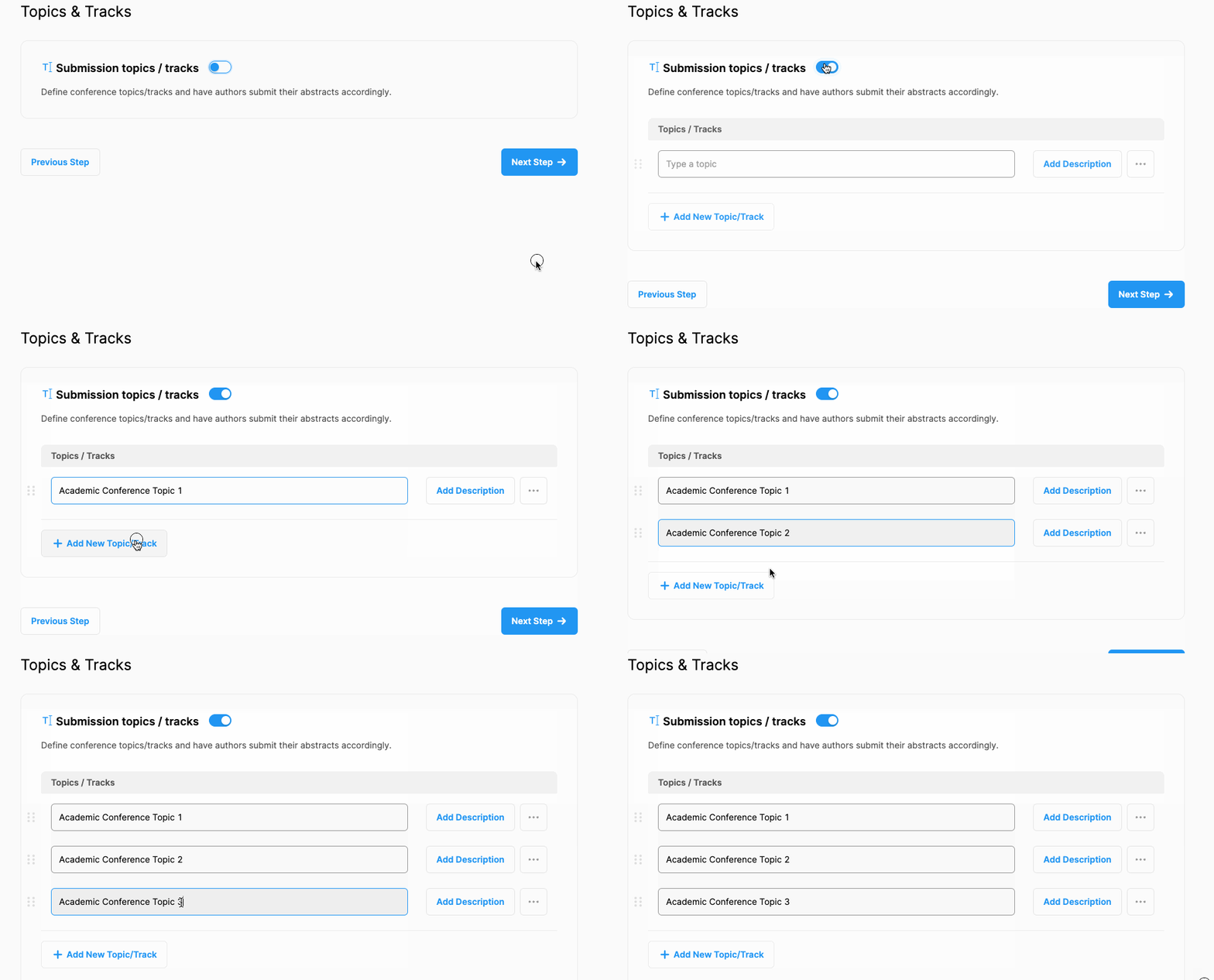
To create topics/tracks and add them to your submission form, follow the steps below;
Switch on ‘Submission topics/tracks’ (this title can be customized),
Add topics/tracks one by one by clicking the ‘Add New Topic/Track’ button, (If you want, add a description by clicking the ‘Description’ button) or,
Delete a topic/track by clicking the three dots and the ‘Remove’ button next to it.
Comments
0 comments
Please sign in to leave a comment.