
After choosing one of the solutions, you will be directed to the “Event Basics” page where you start building your event and add some basic details.
Fill in the form by editing the relevant fields according to the following explanations:
What will your event’s name be?
Write your full event name in the entry field. (Max 120 character)
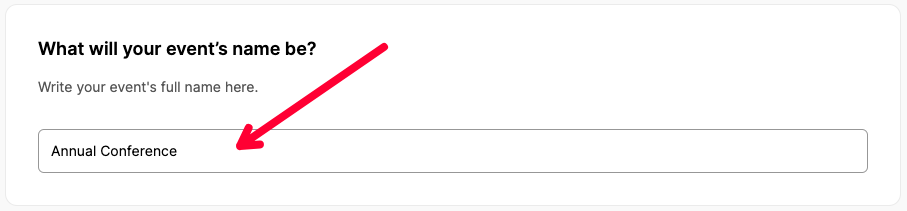
Note: You can customize your event’s short name by visiting this page after completing your initial settings.
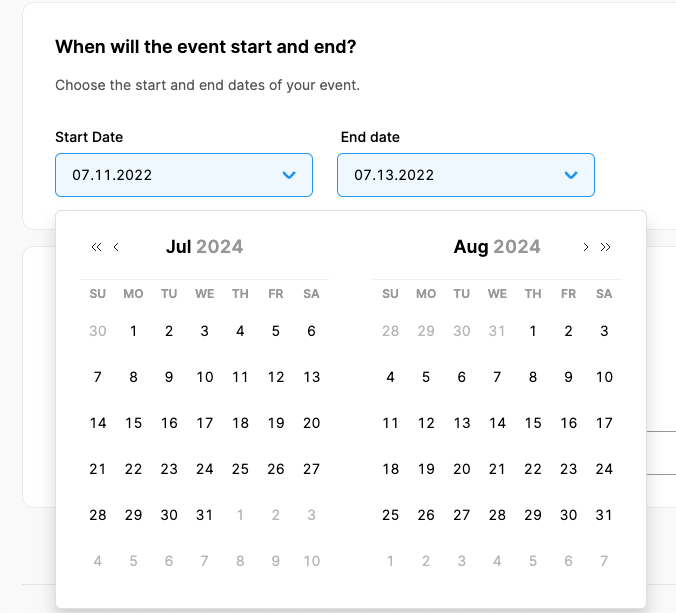
When will the event start and end?
Using the calendar tool provided, mark the start date and then the end date of your event.
Choose your event type
Event Type selection allows you to define a venue location or not.
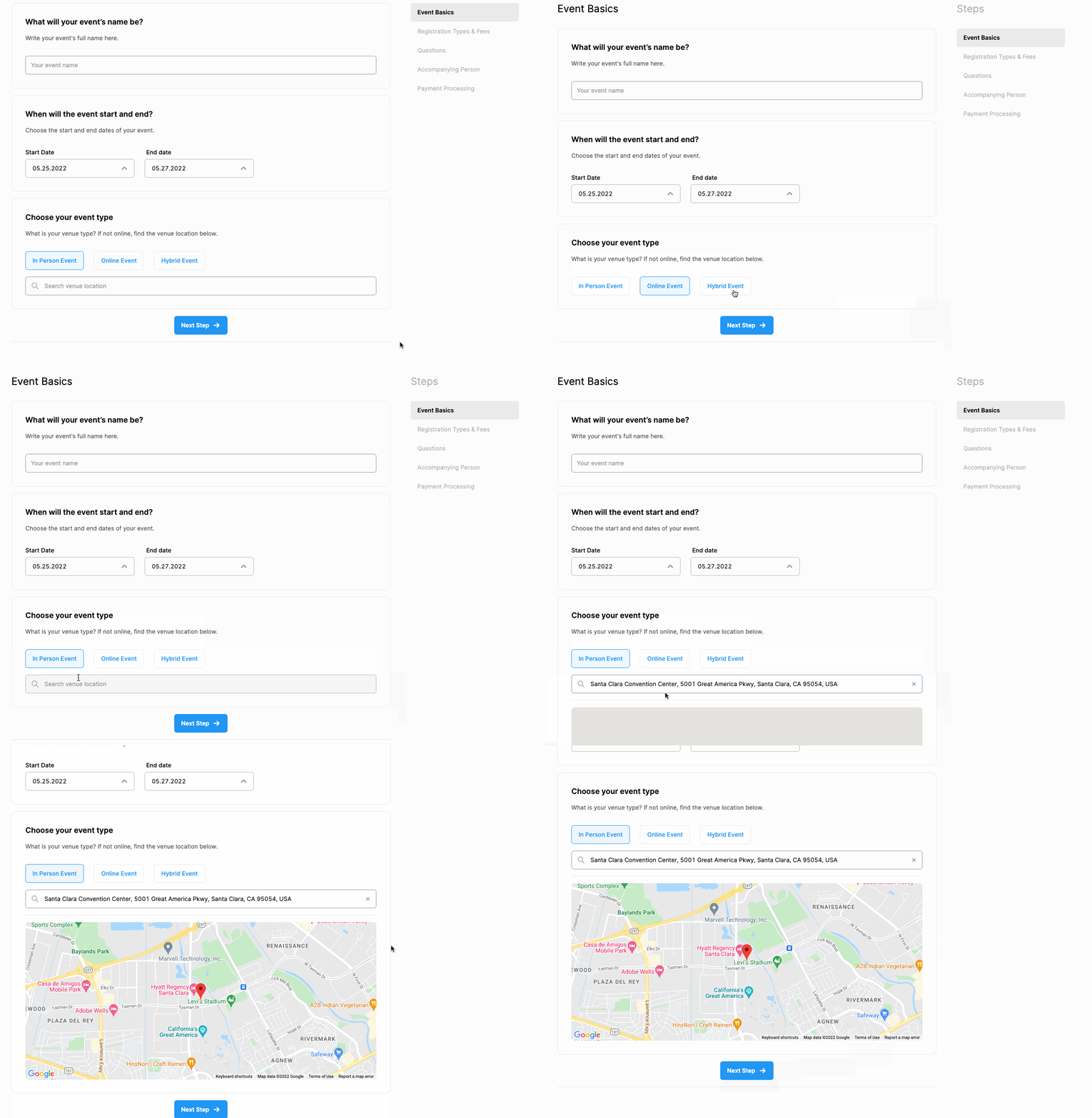
If your event is an in-person or hybrid event, enter your venue name and address by using Google Map search options. A map link for the venue location will also be added to your event web page and registration/abstract form.
Comments
0 comments
Please sign in to leave a comment.