
Your reports are listed on the 'Reports' page after they are created. You can edit or download any report you created by applying the steps below;
How to edit an existing report?
Choose ‘Event Home’ from the left side menu,
Choose ‘Reports’ option under the ‘EVENT’ title,
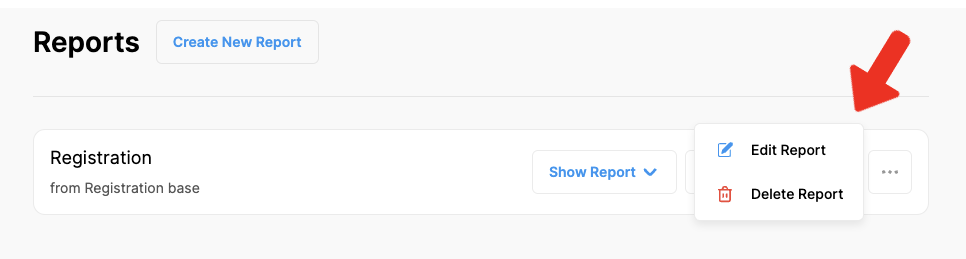
Click 3 dots next to the report you want to edit,
Make the changes you need,
Click the ‘Save Changes’ button.
How to download a report?
Choose ‘Event Home’ from the left side menu,
Choose ‘Reports’ option under the ‘EVENT’ title,
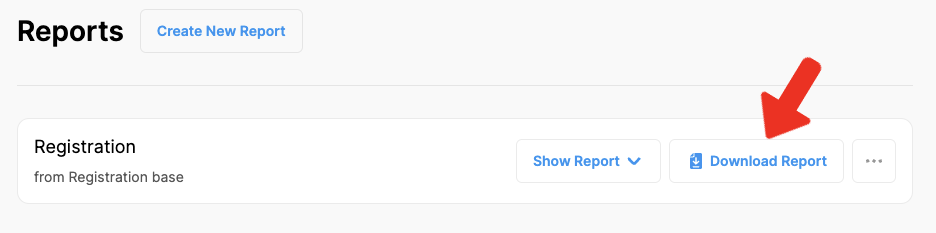
Click the ‘Download Report’ button next to the report you want to download,
Save the report as an Excel file to your computer.
Comments
0 comments
Please sign in to leave a comment.