
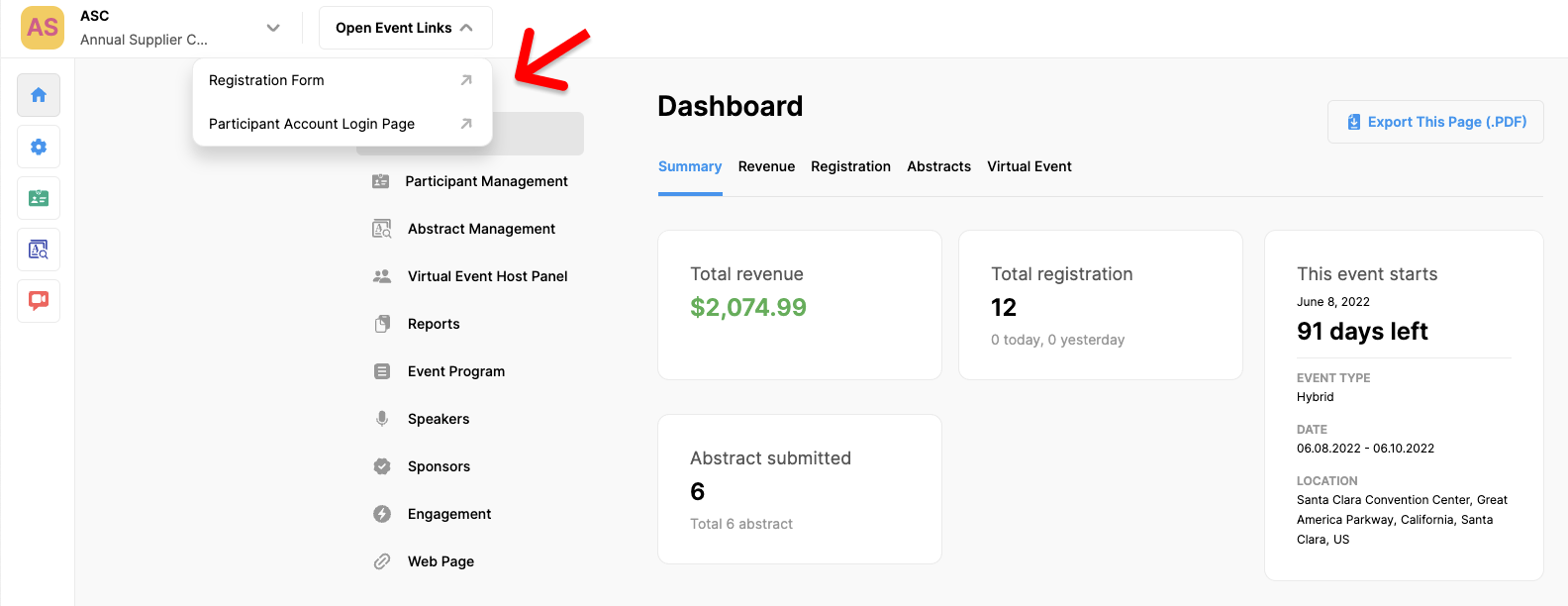
In the header of your event page, there are some Quick Links, which are a collection of links to frequently used pages, allowing you to easily access these pages. To see these links, click the 'Open Event Links' box in the header of your event page and click the link you need to access the relevant page.
The links are,
- Event Web Page
- Registration Form
- Participant Account Login Page
- Abstract Submission Form
- Reviewer Evaluation Page
Note that, the displayed Event Links will vary depending on installed MeetingHand solutions
Comments
0 comments
Please sign in to leave a comment.