
To return back to your MeetingHand account page from the event page you are working on,
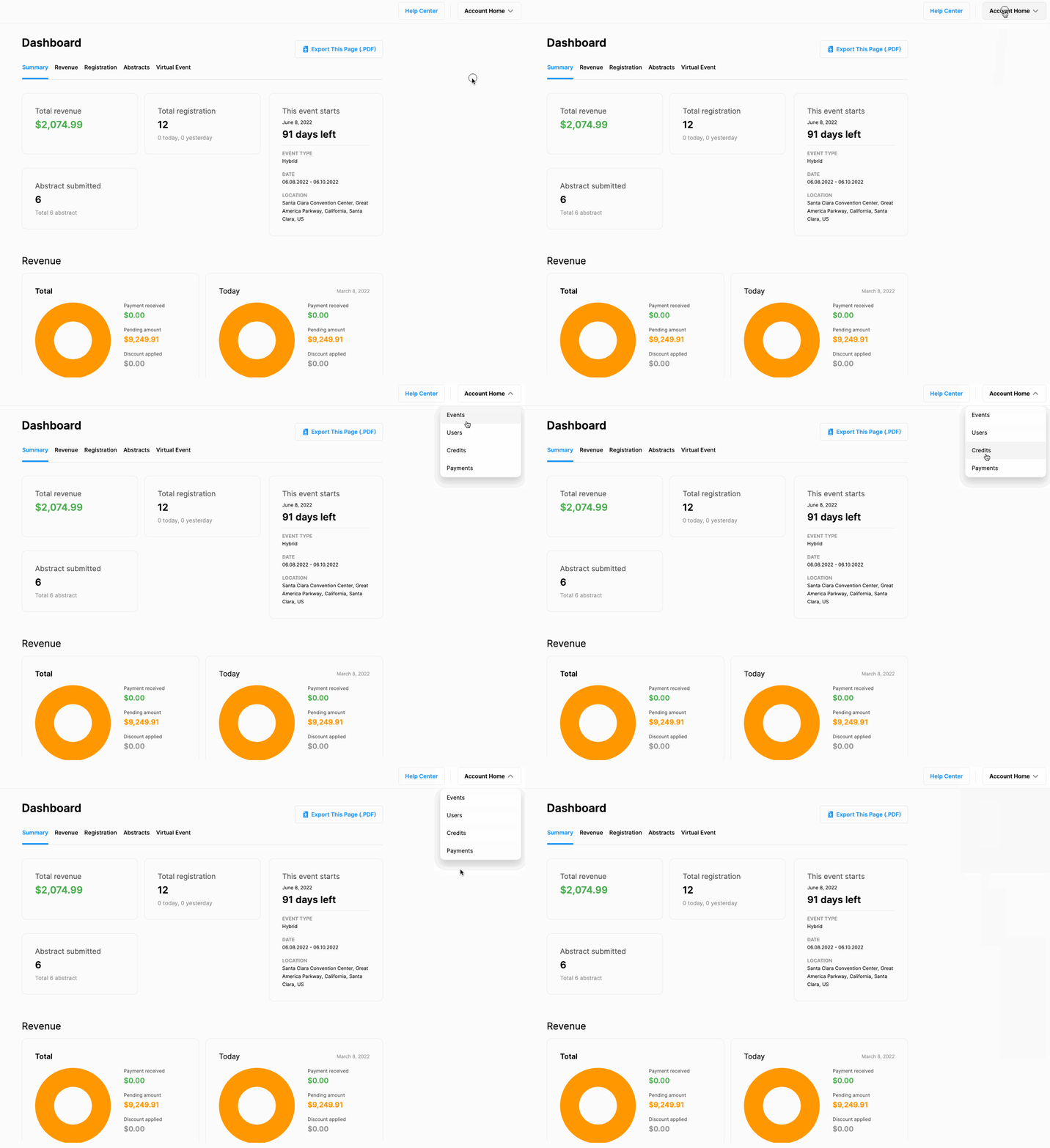
Click the ‘Account Home’ button at the top right corner of the event page,
Click one of the options listed in the dropdown menu.
The item clicked in the menu takes you to your account page’s relevant tab, then you can visit other setting pages by clicking the menu options at the header.
Comments
0 comments
Please sign in to leave a comment.