
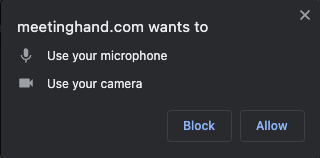
After starting a session, the browser you use might ask for your permission to allow MeetingHand to use your camera and microphone. You should accept this request.
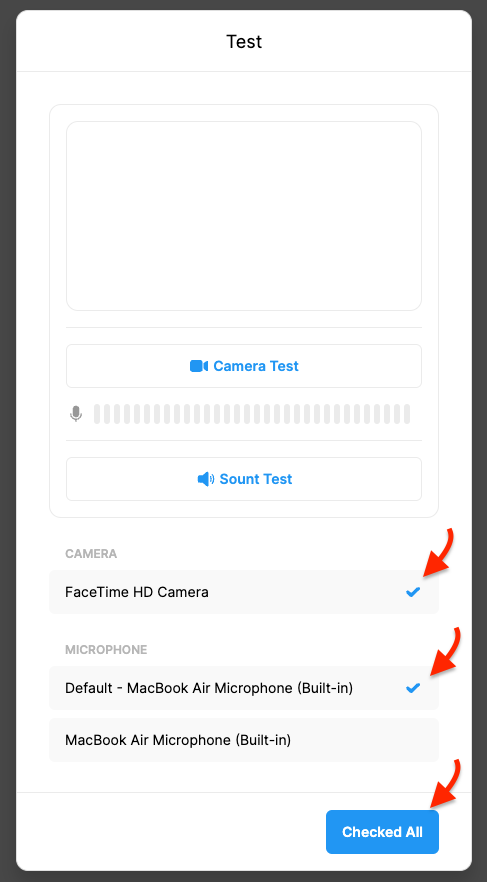
Note that, you can choose the camera and microphone you wanted to use among the available ones under the ‘CAMERA’ and ‘MICROPHONE’ titles or if you want, you can test them before starting your session.
Once completed click the ‘Checked All’ button and,
Activate your camera and microphone by clicking the icons at the bottom of your session screen when you are ready.
IMPORTANT: If you somehow denied the request, you cannot use your camera and microphone before you allow them again from your browser settings.
Comments
0 comments
Please sign in to leave a comment.