
To invite a participant to the stage, apply the steps below;
Click the ‘Invite’ button on the stage tab,
Find the participant’s name in the participant list,
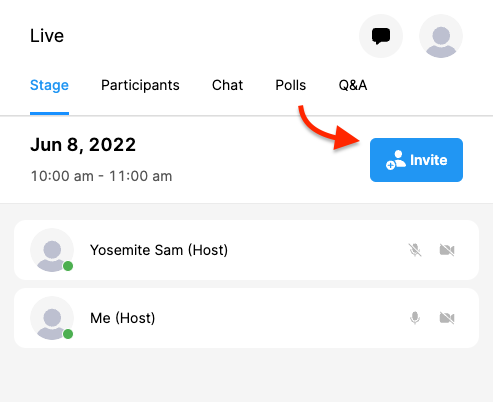
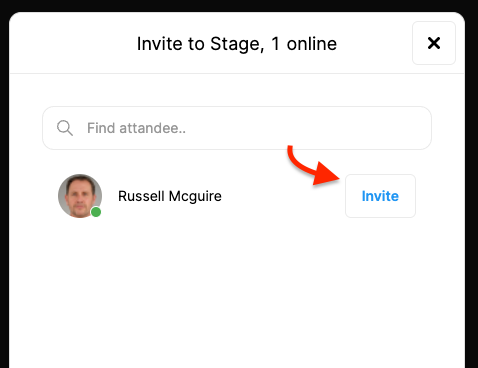
Click the ‘Invite’ button next to the participant’s name or,
Click the ‘Participants’ tab,
Find the participant’s name from the list,
Click the three dots next to the participant’s name,
Click the ‘Invite to Stage’ button.
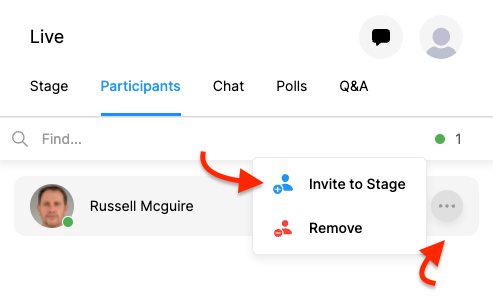
(The system displays your invitation on the participant’s screen and when the participant approves it, he/she will be moved to the stage.)
Comments
0 comments
Please sign in to leave a comment.