
MeetingHand offers ‘webinar’ and ‘virtual sponsor room’ options for your virtual events.
Webinar
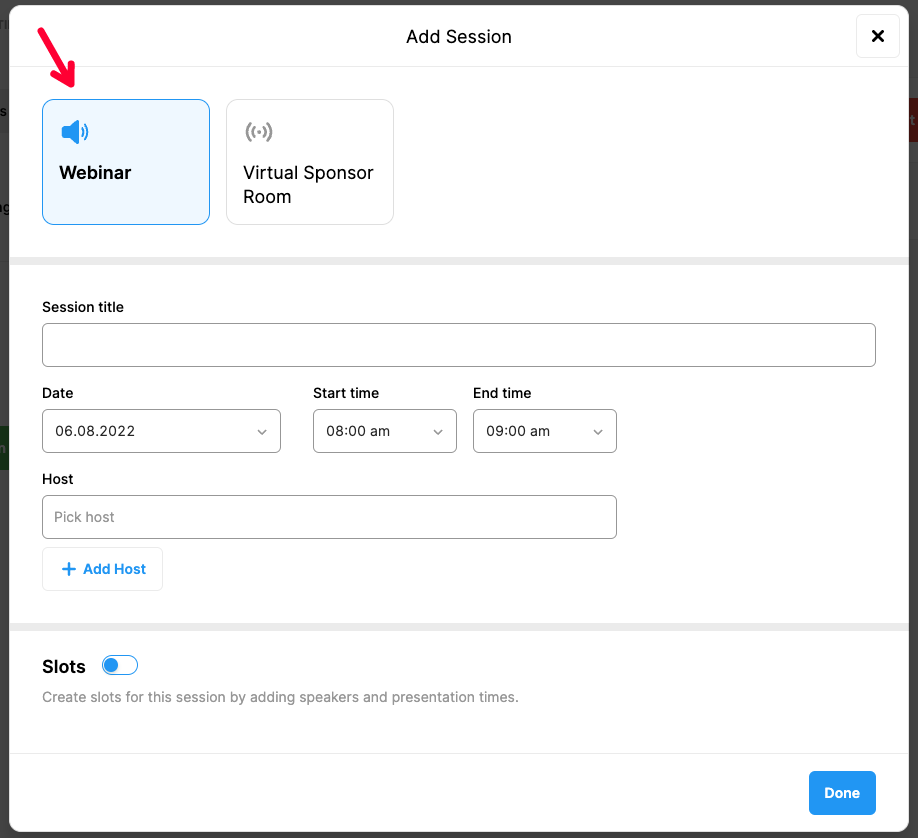
If you want to create a virtual session in which online presentations will be delivered and participating viewers will be allowed to submit questions and comments, then you must choose the ‘Webinar’ option.
The webinar option also allows you to add slots in which you can add speakers with their presentation titles and times.
The webinars you created will be displayed in the participant account pages as the 'Online Program' and when a session is started by its host, a ‘Join’ button will appear on it to allow attendees in.
Virtual Sponsor Room:
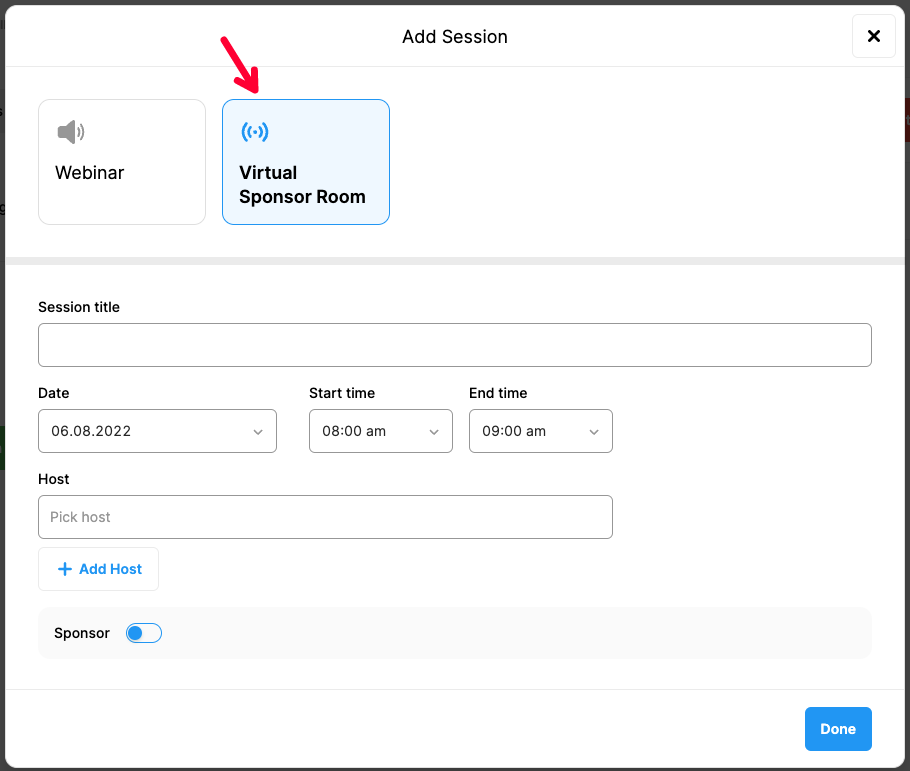
If you want to create dedicated virtual rooms for your sponsors where they can meet with your participants during your event and carry out branding and engagement activities, you should choose the 'Virtual Sponsor Room' option.
In this case, the settings area will allow you to add your sponsors in the virtual sponsor room and display it accordingly on participant account pages.
Note that, if the hosts for webinars and virtual sponsor rooms are different from the MeetingHand account owner, you should create the host accounts by clicking the ‘Host Management’ menu option under ‘VIRTUAL EVENT SETTINGS’.
Comments
0 comments
Please sign in to leave a comment.