
To update or activate your virtual event engagement settings, apply the steps below;
Choose ‘Virtual Event’ from the left side menu,
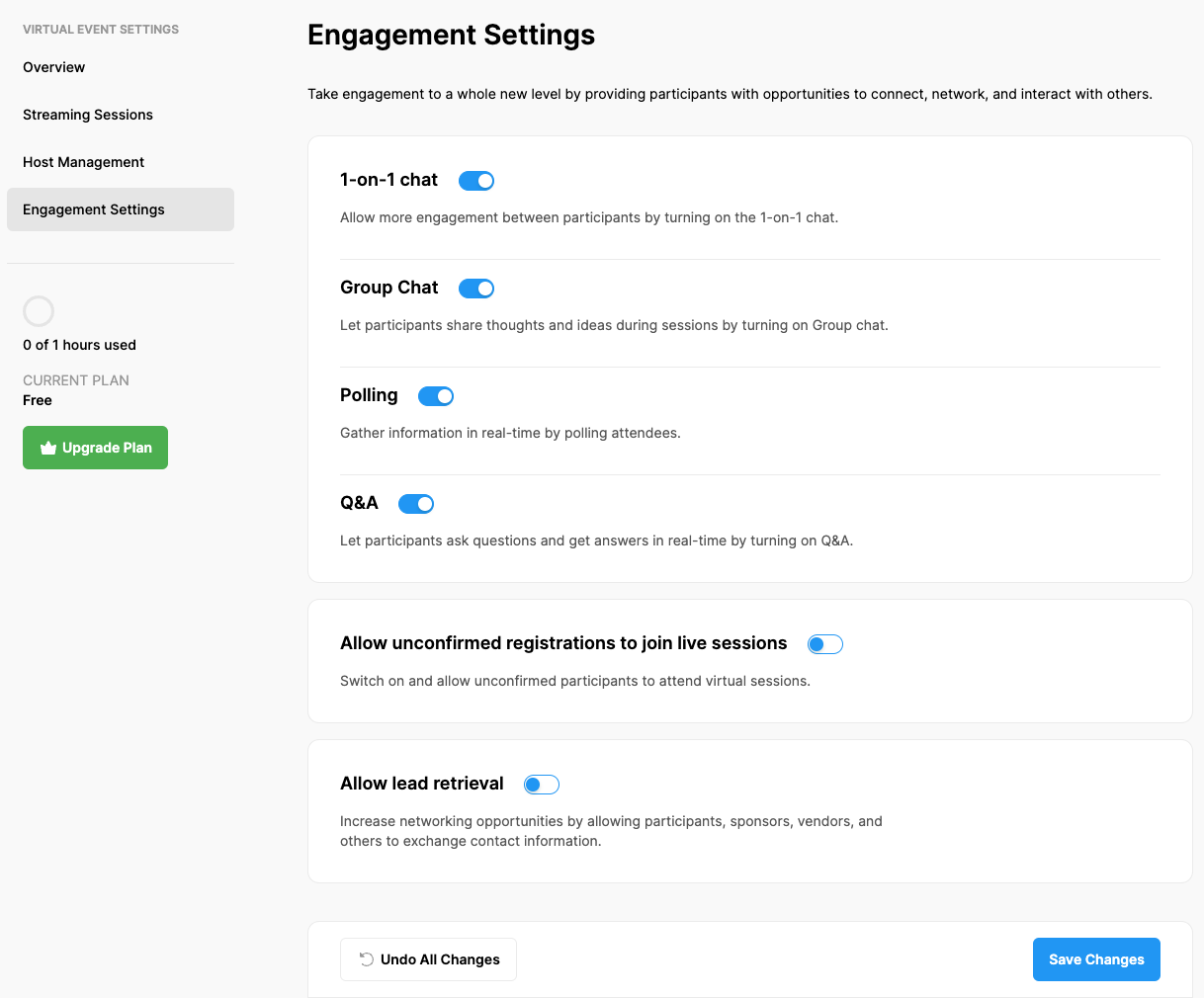
Choose the ‘Engagement Settings’ option under the ‘VIRTUAL EVENT SETTINGS’ title,
Switch on the engagement options you want to activate and allow your participants to use them,
Click the ‘Save changes’ button.
Comments
0 comments
Please sign in to leave a comment.