
Normally abstracts are managed from the ‘Abstract Management’ page but they can also be previewed and edited from the ‘Participant Management’ page or new abstracts can be added on behalf of the participant by applying the steps below;
Click ‘Event Home’ from the left side menu,
Choose ‘Participant Management’ menu item under the ‘EVENT’ menu,
Find and click on the participant’s name on the participant list on the left side,
Scroll down and find the ‘Abstracts title in the participant information area and,
Do the following according to your requirements,
Adding a New Abstract
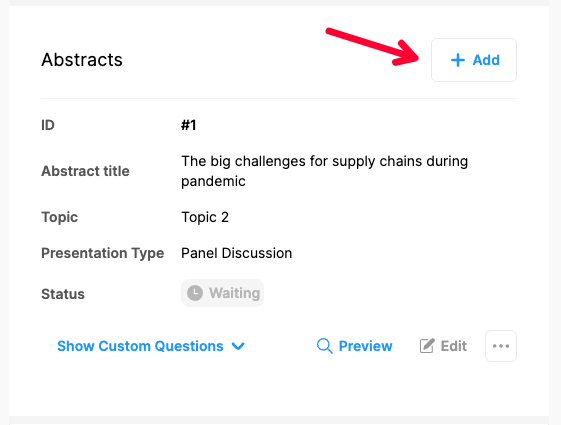
Click the ‘Add’ button to add a new abstract,
Fill in the abstract form and,
Click the ‘Save’ button to upload the abstract.
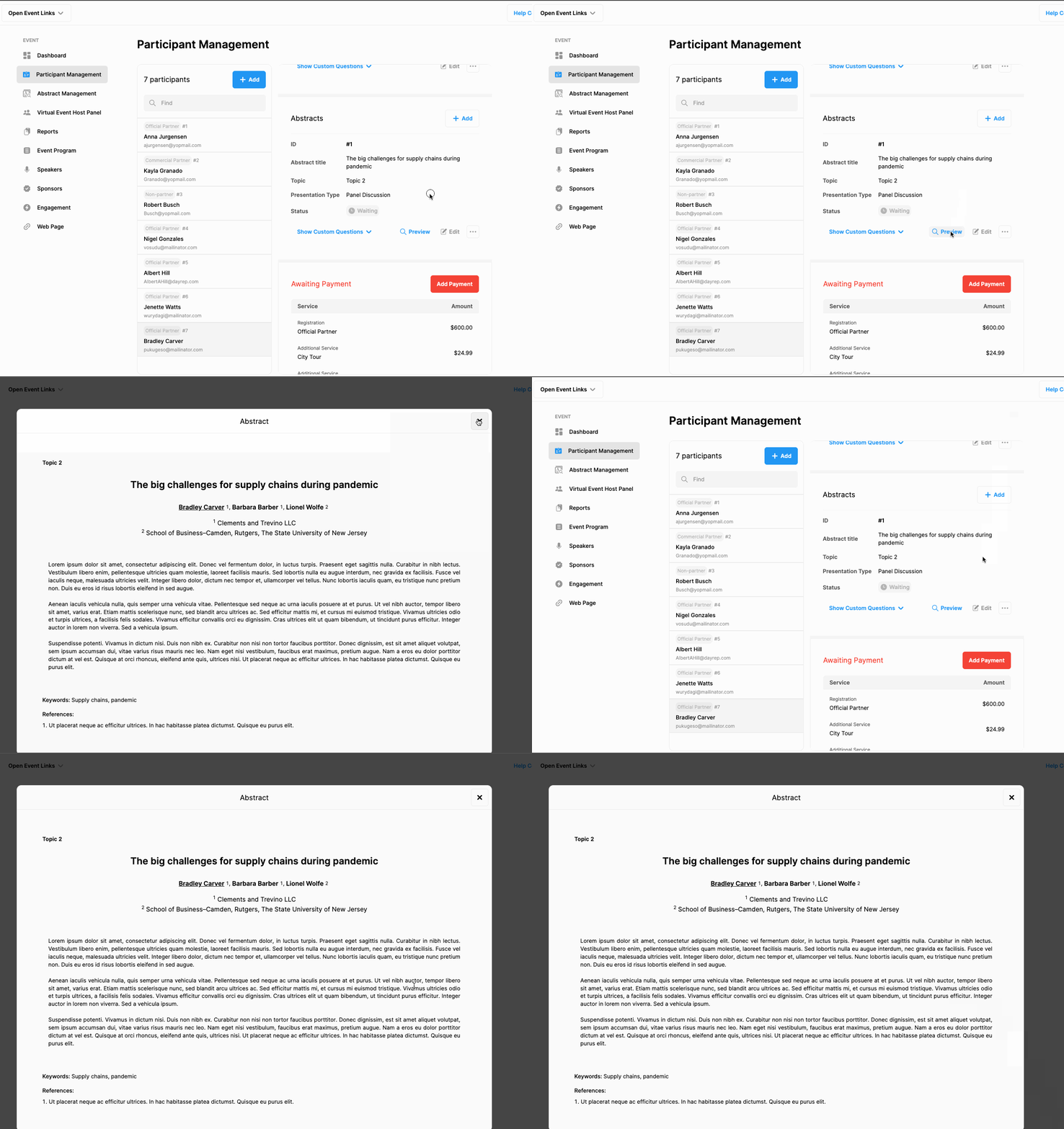
Abstract Preview
Click the ‘Preview’ button to preview the uploaded abstract.
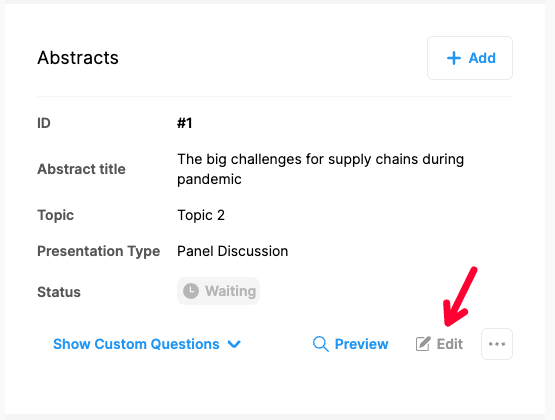
Edit Abstract
Click the ‘Edit’ button to edit or update the abstract.
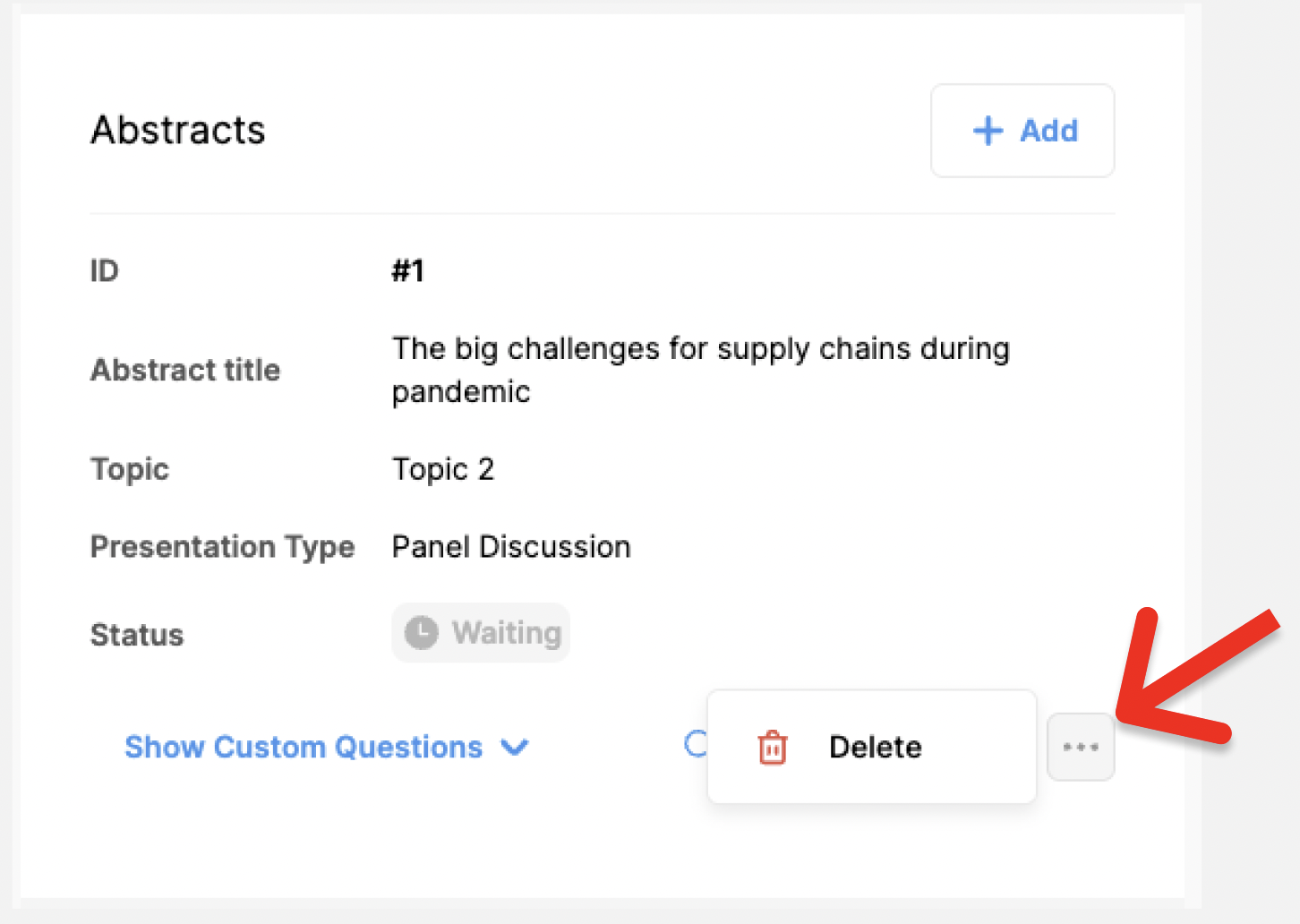
Delete Abstract
Click 3 dots next to the ‘Edit’ button,
Click the ‘Delete’ option,
Confirm warning message.
Comments
0 comments
Please sign in to leave a comment.