
You can set/edit the start and end dates of your event program as follows.
Choose ‘Event Home’ from the left side menu,
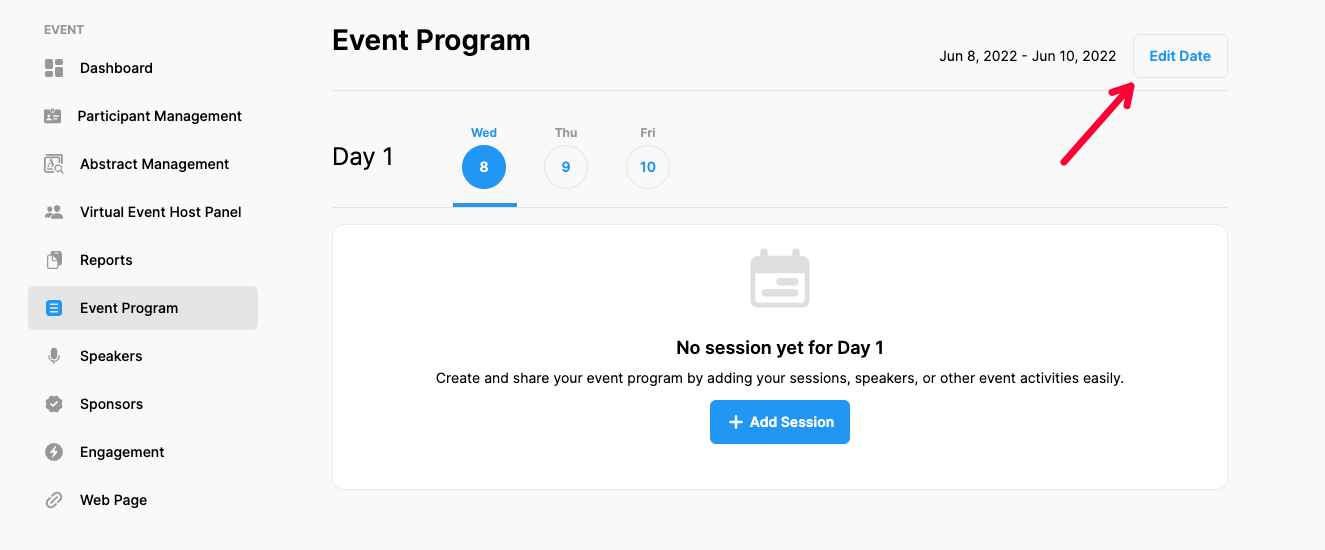
Choose the ‘Event Program’ option under the ‘EVENT’ title,
Click the ‘Edit Date’ button at the right upper corner,
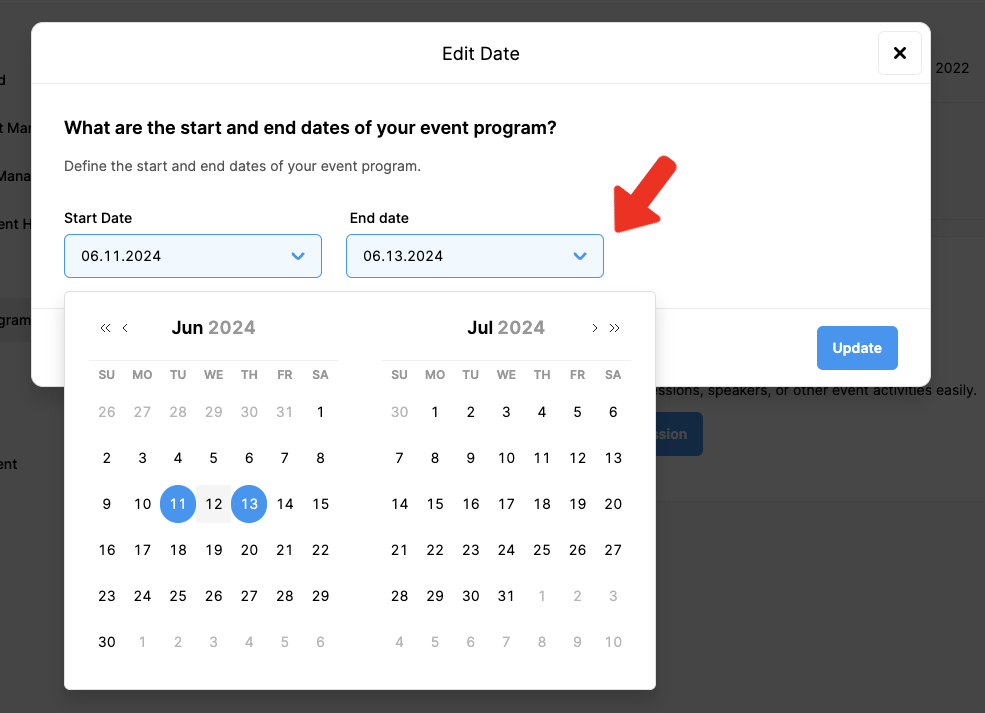
Set the scope of your program by using the calendar tool,
Click ‘Update’.
Please note that the changes you made here do not change the start & end dates of your event.
Comments
0 comments
Please sign in to leave a comment.