
If you need to change or edit the topics/tracks you added in your Abstract Submission Form, apply the steps below;
Choose ‘Abstract’ from the left side menu,
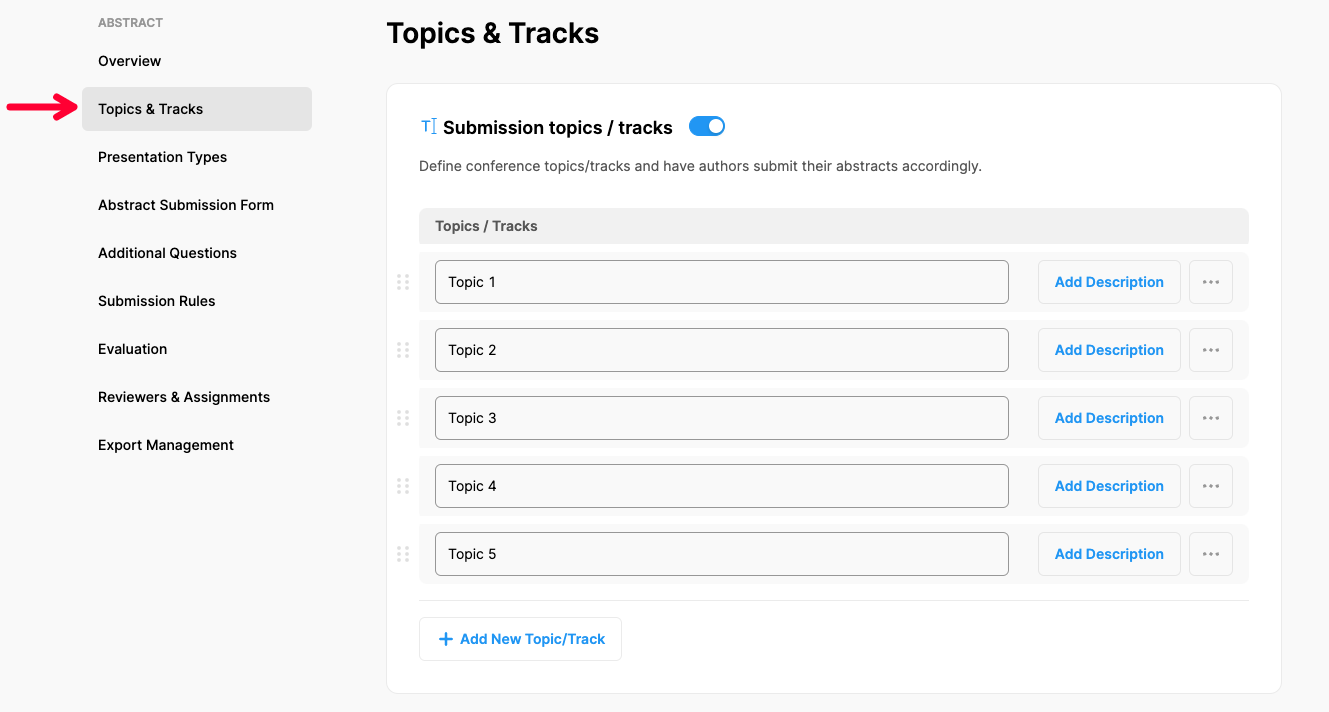
Choose ‘Topics & Tracks’ option under ‘ABSTRACT’ title,
Click on the topic you need to edit and make the changes you need,
Click the ‘Add Description’ button to add an explanation as a tooltip,
Click 3 dots next to any topic you need to remove and click ‘Remove’,
Click the ‘Save Changes’ button.
Comments
0 comments
Please sign in to leave a comment.