
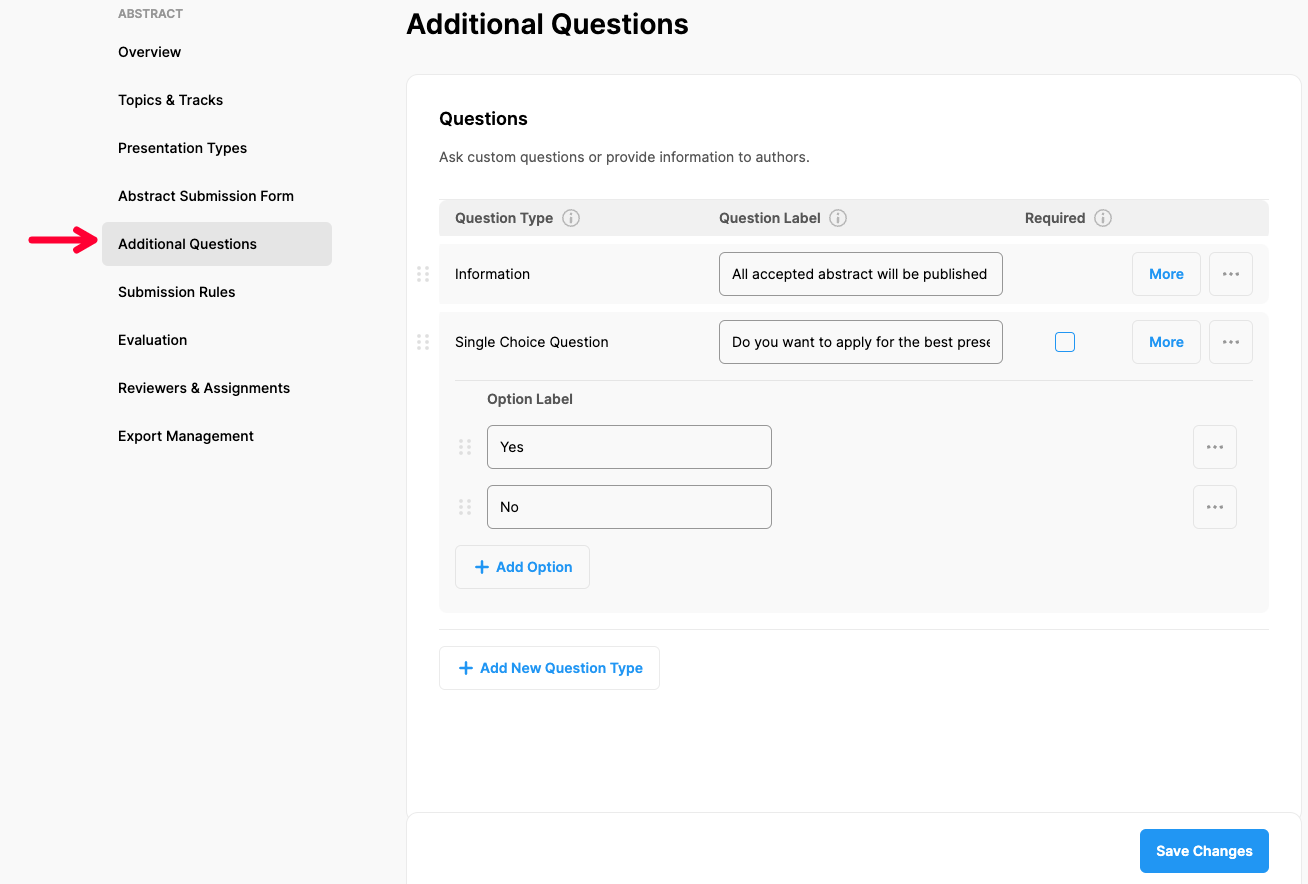
If you need to change or edit the ‘Additional Questions’ you’ve added or add new ones, apply the steps below;
Choose ‘Abstract’ from the left side menu,
Choose ‘Additional Questions’ option under ‘ABSTRACT’ title,
Make the changes you need or add new questions, (See more to learn how to set up Additional Questions)
Click the ‘Save Changes’ button.
Comments
0 comments
Please sign in to leave a comment.