
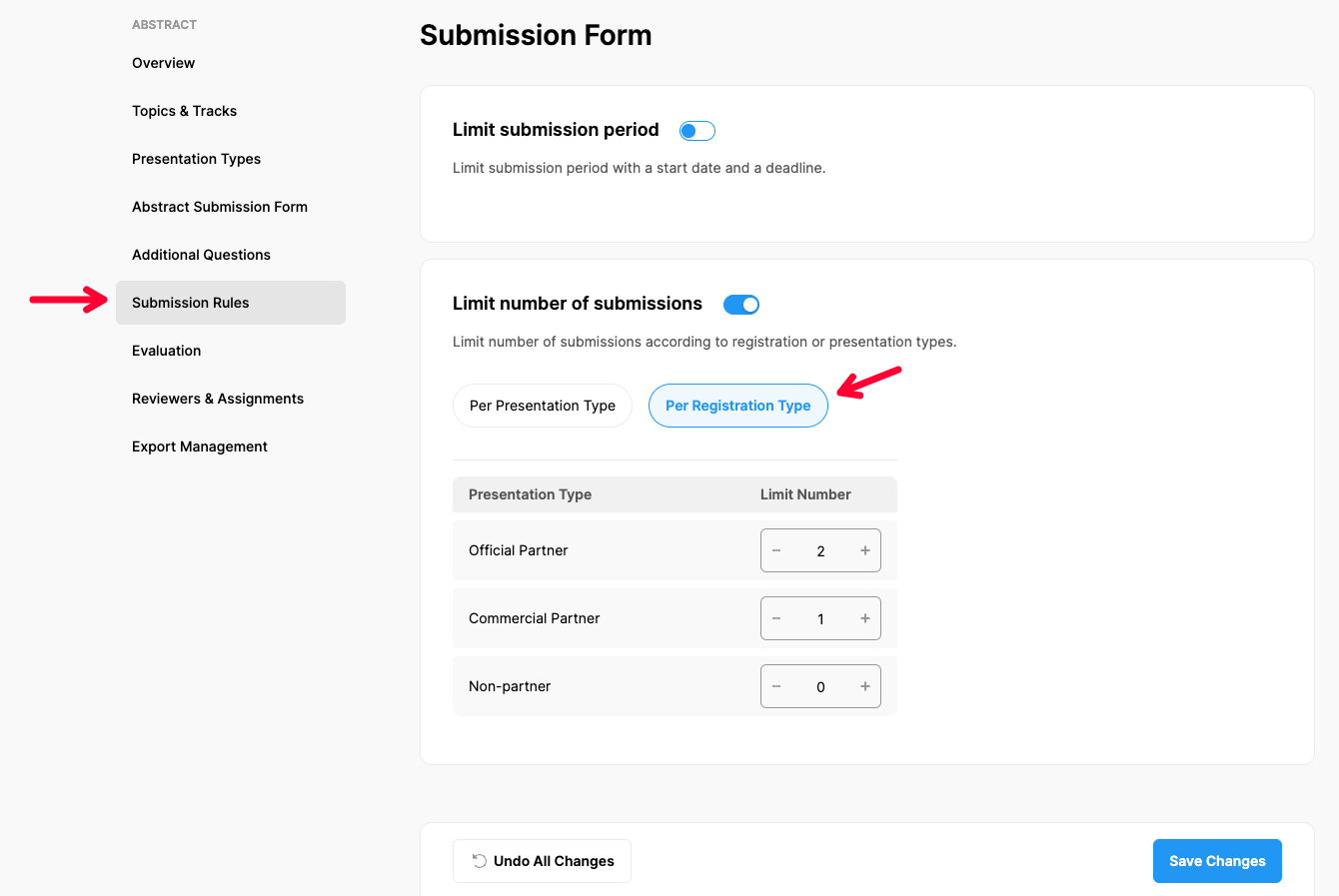
Choose ‘Abstract’ from the left side menu,
Choose ‘Submission Rules’ option under ‘ABSTRACT’ title,
Make the changes you need under the ‘Limit Number of Submissions’ title according to PRegistration Types, (See more to learn how to set up Submission Rules)
Switch off to cancel limitation,
Click the ‘Save Changes’ button.
*This option is only available if the Participant Registration Form is active
Comments
0 comments
Please sign in to leave a comment.