
If you want to customize the invoice issuer section of your invoices apply the steps below;
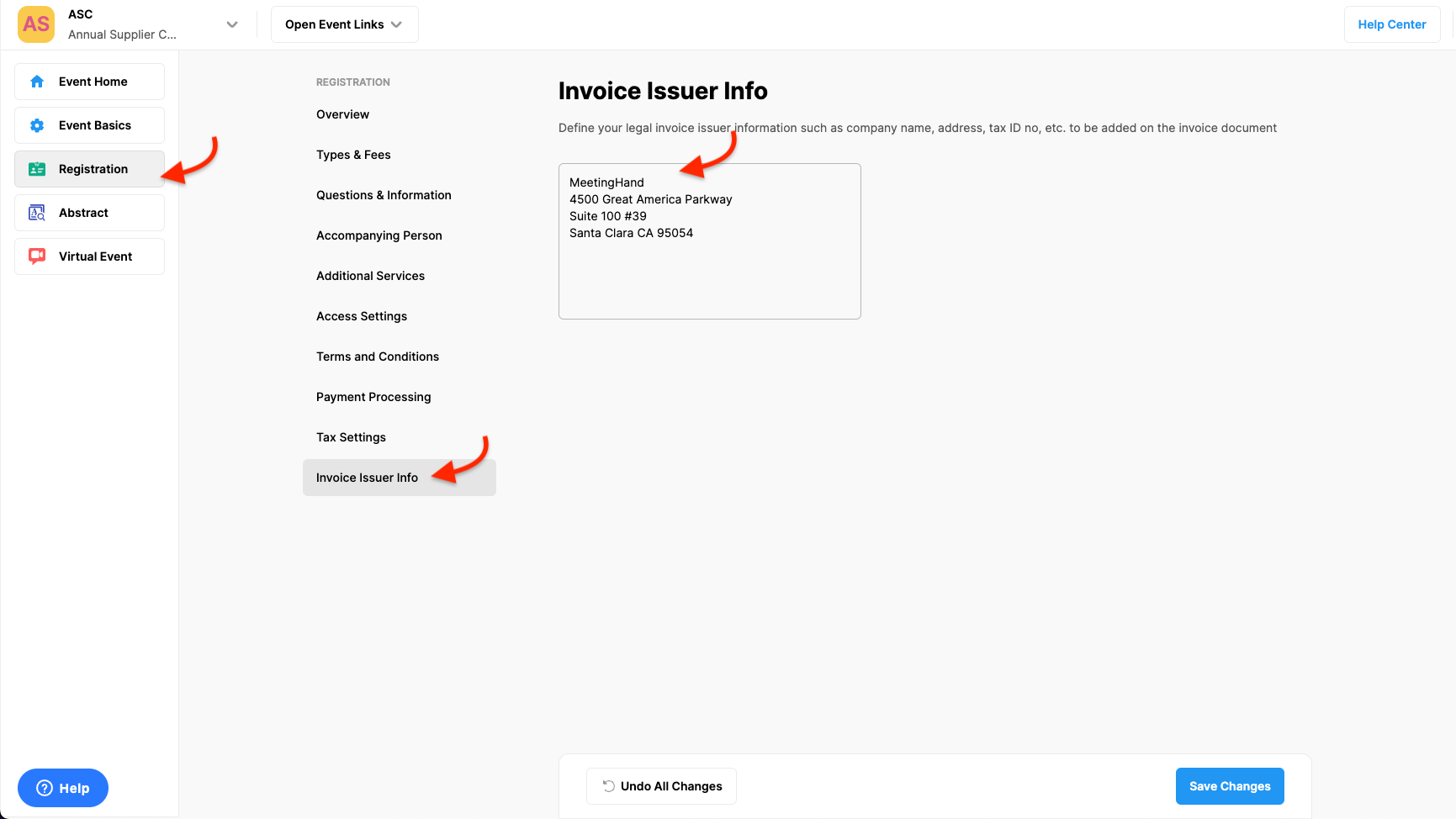
Choose the ‘Registration’ from the left side menu,
Choose the ‘Invoice Issuer Info’ option under the ‘REGISTRATION’ title,
Define your legal invoice issuer information such as company name, address, tax ID no, etc. to be displayed on the invoice document, in the text field,
Click the ‘Save Changes’ button.
Comments
0 comments
Please sign in to leave a comment.