
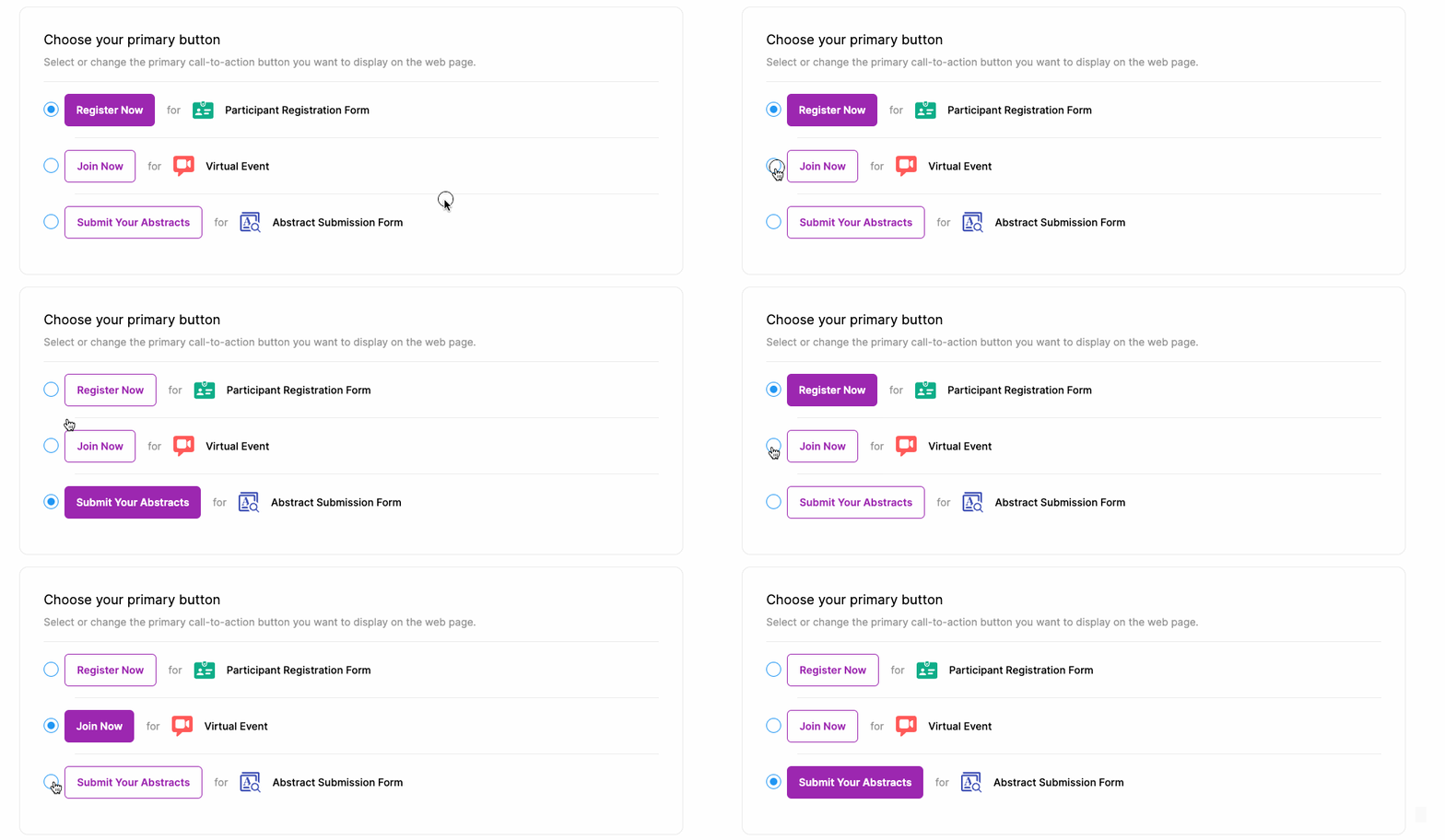
For each MeetingHand solution, you added and completed the setup, a specific button will be available in the settings area of your web page to include your web page as a major call-to-action button. These buttons are;
Register Now
Opens your registration form and allows your participants to register for your event, purchase the services you offered, and complete their payments.
Join Now
It allows attendees to join online sessions directly, without having to choose any registration type and simply by creating an account.
Submit Your Abstracts
It allows attendees to submit their abstracts through the abstract submission form you designed directly, without having to choose any registration type and simply by creating an account.
To choose one of the Call-to-Action buttons for your web page or change the existing button, apply the steps below;
Choose ‘Event Home’ from the left side menu,
Choose ‘Web Page’ under the ‘EVENT HOME’ title,
Choose your primary button among the available ones,
Click the ‘Save Changes’ button at the bottom of the page.
Comments
0 comments
Please sign in to leave a comment.