
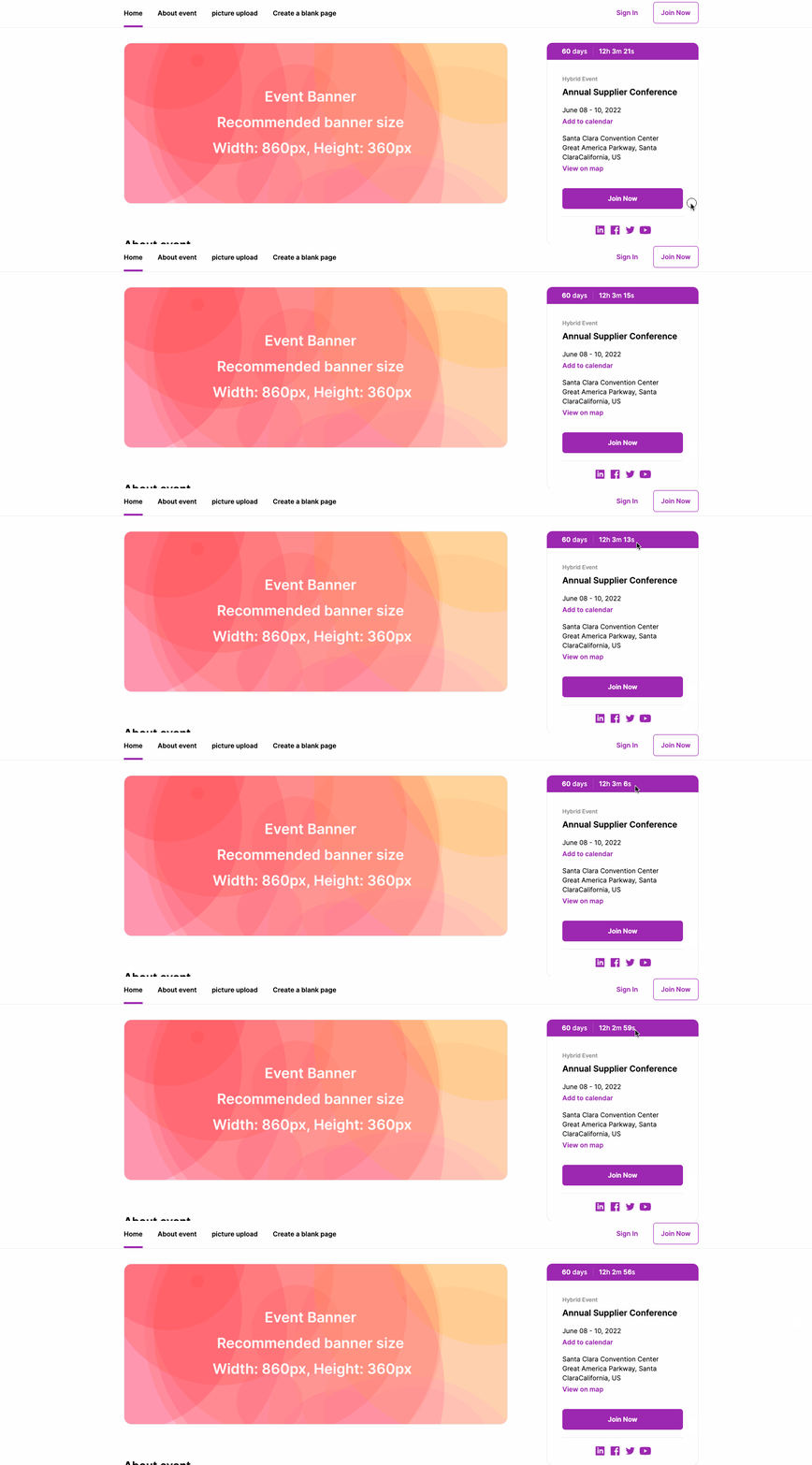
If you add a countdown timer to your event web page it will be displayed above the event name at the right side.
To activate your countdown timer, apply the steps below;
Choose ‘Event Home’ from the left side menu,
Choose ‘Web Page’ under the ‘EVENT’ title.
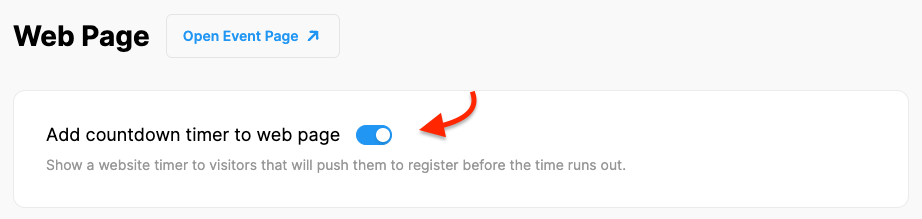
Switch on the ‘Add a countdown timer to web page’ option at top of the settings page,
Click the ‘Save Changes’ button.
Note that, you must publish and save your website before you preview it.
Comments
0 comments
Please sign in to leave a comment.