
MeetingHand allows event planners to apply specific theme colors to buttons, links, etc. to create memorable events that have a brand value.
To change your event brand color, apply the steps below;
Choose ‘Event Home’ from the left side menu,
Choose ‘Web Page’ under the ‘EVENT HOME’ title,
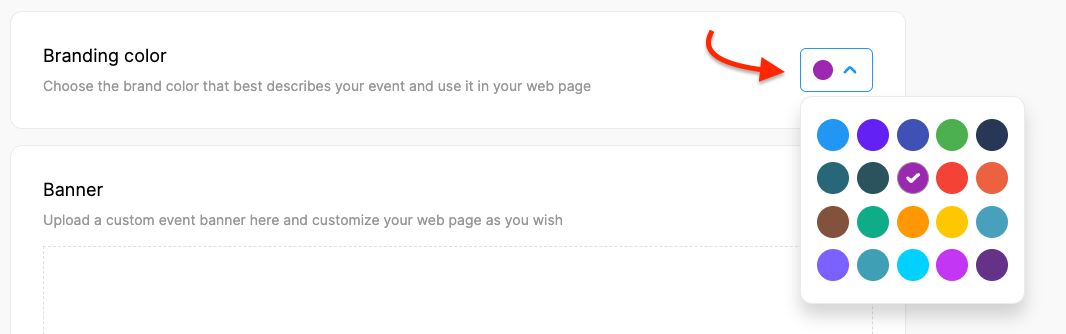
Click the arrowhead next to the color box in the ‘Branding Color’ section,
Choose the color you prefer,
Click the ‘Save Changes’ button at the bottom of the page.
Comments
0 comments
Please sign in to leave a comment.